
One prompt.
Finished Word, PowerPoint, Fillable PDF, and IDML.
Give your AI agent the content. K2F turns it into a polished, elegant document.
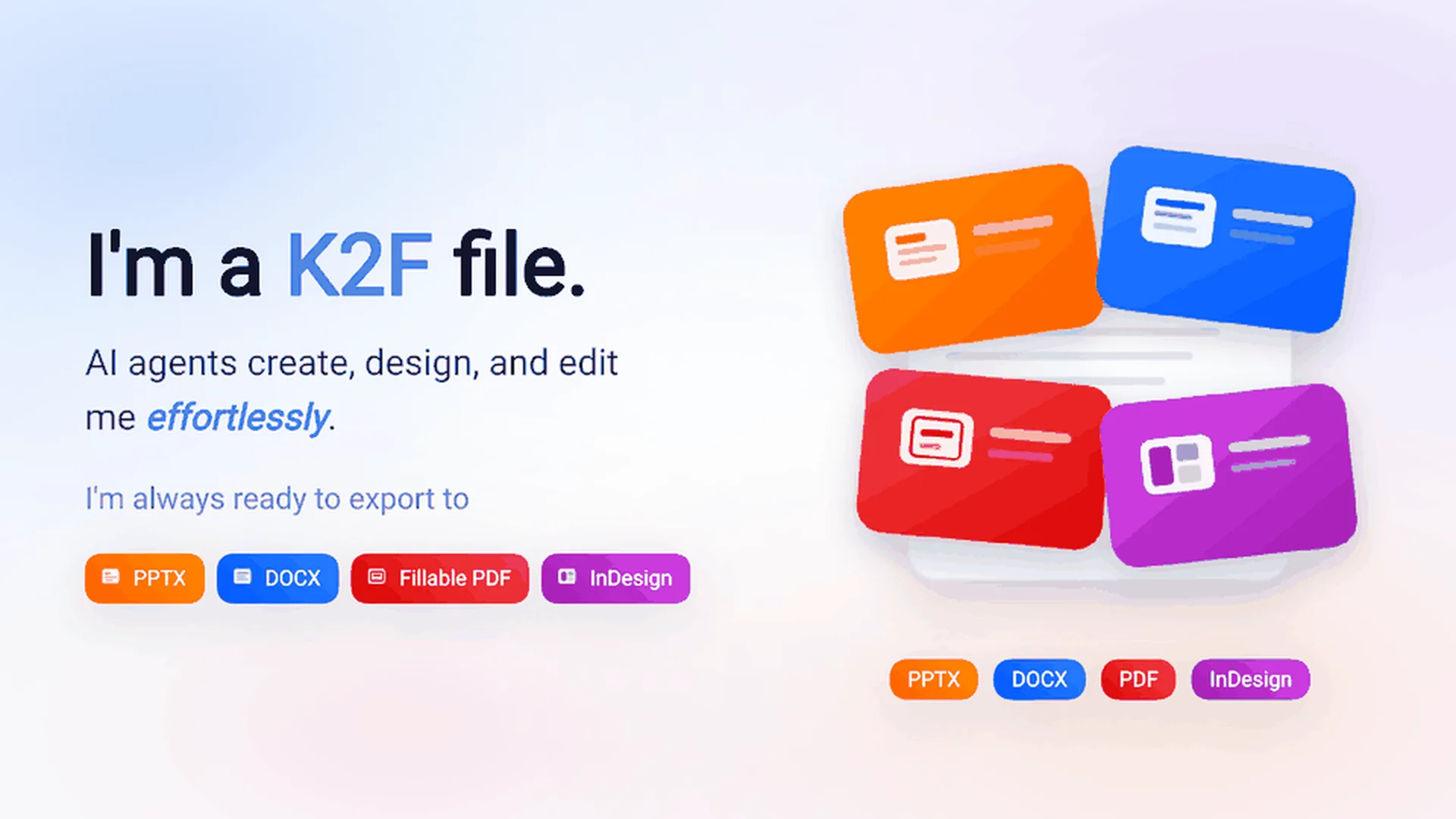
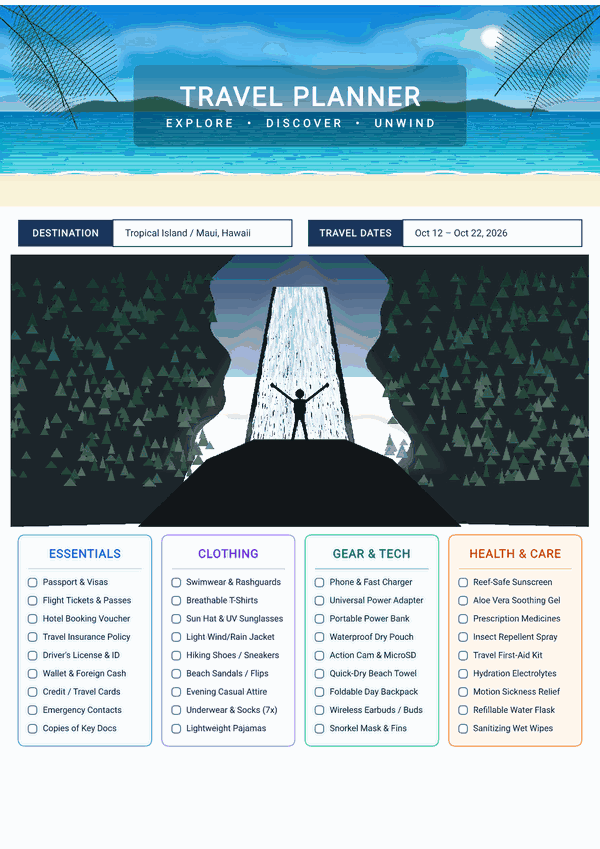
Example K2F file.
WHAT IS K2F
K2F is an open document file format — like PDF or DOCX — that AI can easily design and edit, and that can be exported to different formats like Word, PowerPoint, Fillable PDF, and IDML.
Ship in any format you need
Generate production-ready documents straight from your AI agent. Beautiful design. Effortless.
Word
Fully editable DOCX, ready for review and collaboration
PowerPoint
Pixel-perfect slides with zero shifted elements
Fillable PDF
Interactive AcroForm documents, built automatically
IDML
Professional InDesign files for design workflows
Markdown & Images
Clean text exports and high-fidelity renders
Available in Playground, Desktop Reader, and CLI.
EFFORTLESS AI EDITING
Why Agents Love K2F
Restyle with a sentence. Fix without breaking layouts.
- 01
Zero-Friction Agent Editing
DOCX and PDF are hard for AI to manipulate safely. K2F separates content from styles, so agents like Claude or Cursor can rewrite content or restyle documents without breaking the layout.
- 02
Semantic-First Restyling
Want new colors, fonts, or denser text? Just tell your agent:
“Switch to a dark corporate palette and make headings bolder.”
K2F recompiles the theme without shifting the layout.
- 03
Design without the complexity.
AI can create sophisticated, modern layouts and visual effects without dealing with the complexity of Word or PowerPoint internals. K2F handles the hard formatting.
- 04
Deterministic Rollback
Every document is a semantic tree. Roll back changes, compare edits, and fix individual sections without affecting the rest.
WHY K2F IS DIFFERENT
| Feature | Traditional PDF | Word / DOCX | PowerPoint / PPTX | IDML | Native K2F Engine |
|---|---|---|---|---|---|
| AI Read & Write | Opaque & fragile | Complex OOXML | Complex shapes | Complex XML | Native semantic JSON |
| Document Export | Native | Native | Native | Native | Direct PDF, DOCX, PPTX, IDML |
| Fillable Forms | Manual setup | Limited | Not native | Not native | Native AcroForm generation |
| Layout Determinism | Fixed | Reflow-prone | Rendering-dependent | InDesign-dependent | Deterministic lockfile |
| Content / Style Split | Flattened | Complex | Complex | Complex | Clean content + JSON theme |
Traditional PDF
Opaque Black Box
Meaning trapped in static pixels
Text and layout are frozen into absolute coordinates. AI systems cannot reliably extract hierarchy or modify contents without breaking canonical geometry.
K2F Format
Semantic + Deterministic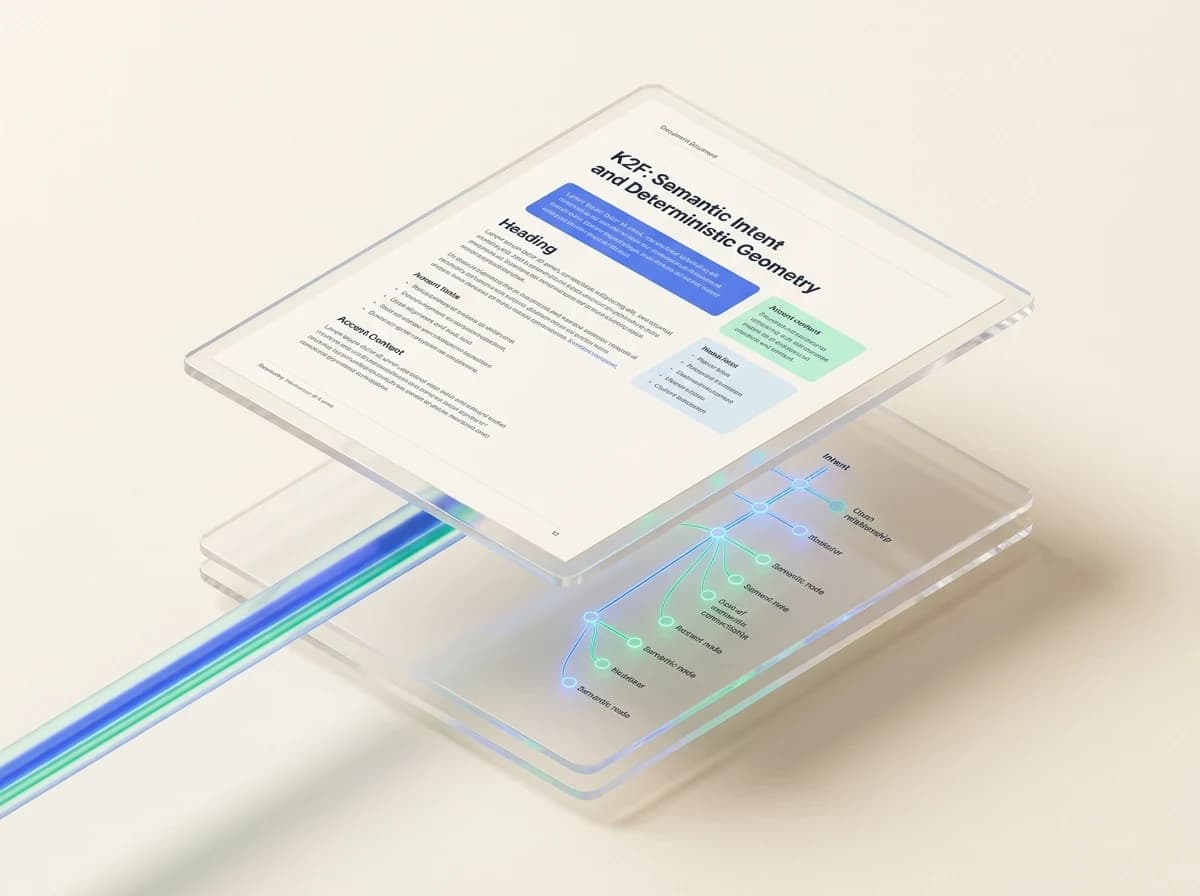
Living semantic intent with pixel certainty
Content is expressed as a clean, AI-writable JSON tree. Appearance is governed by controlled primitives, guaranteeing 100% deterministic cross-device rendering.
Consistent like PDF. Editable like code.
HOW IT WORKS
Content in. Document out.
Your agent works with raw content.
K2F turns that into a finished document.
AI Agent
Semantic Content
K2F
Deterministic Layout
Word · PowerPoint · PDF · AcroForm · IDML · Markdown · Images
No manual formatting loop.
No rebuilding the document every time the content changes.
THE ADVANTAGE
Core advantages
Built from the ground up for AI-native document workflows.
AI-Native Read & Write
Structured semantic content lets agents edit with precision — zero layout drift.
Deterministic rendering
Same document = pixel-identical output every time, on every device. No drift, ever.
Semantically editable
AI edits meaning, not coordinates and colors. Precise node-level edits.
Precise rollback
Content is a tree. AI can revert to any historical node without touching the rest.
Self-contained file
Fonts, images, data all packaged into one .k2f file. Send it and it's complete.
Restyle the whole document at once.
K2F can apply the design system consistently across the entire document.
Gallery
Free templates. No limits.
1474templates
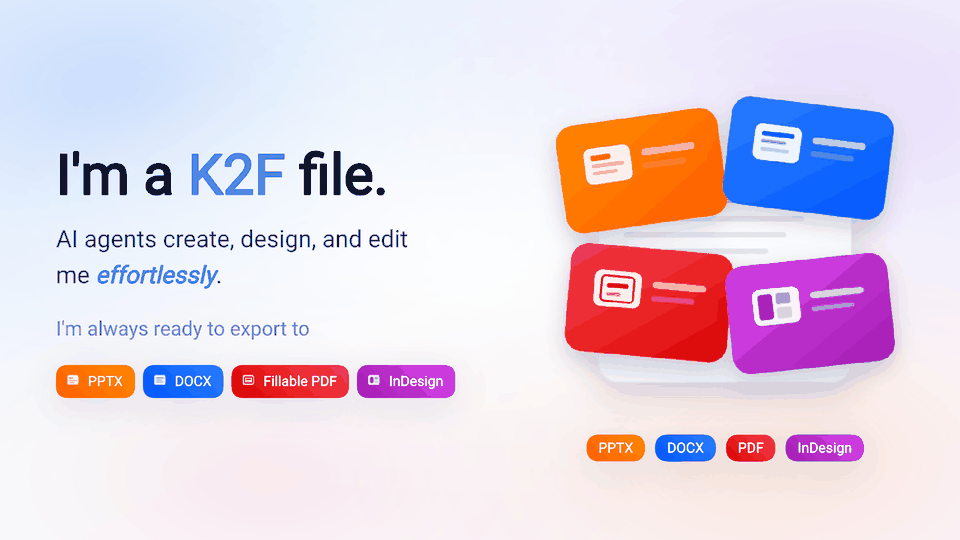
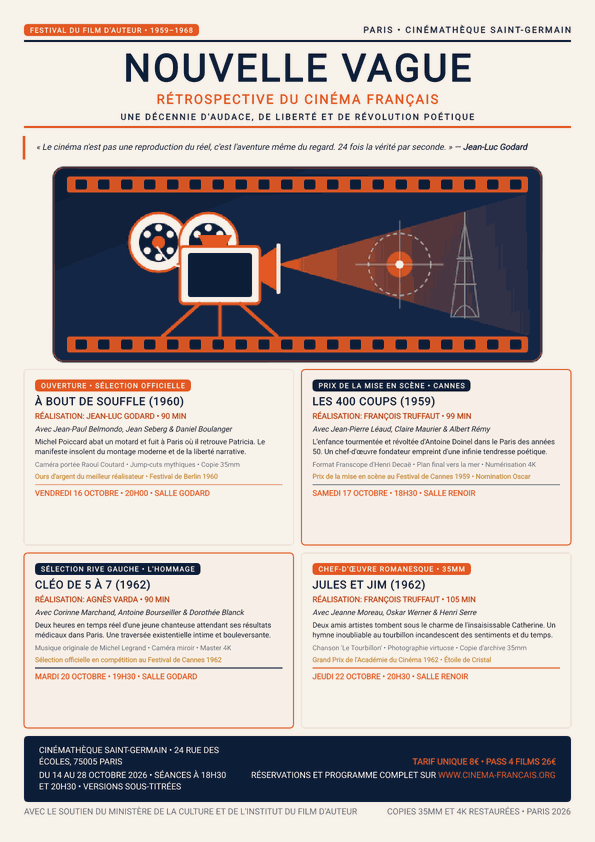
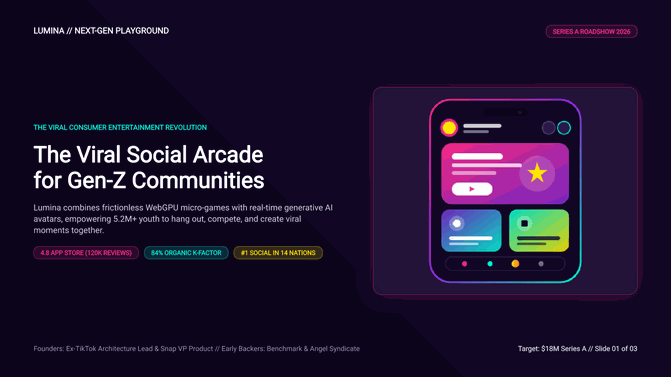
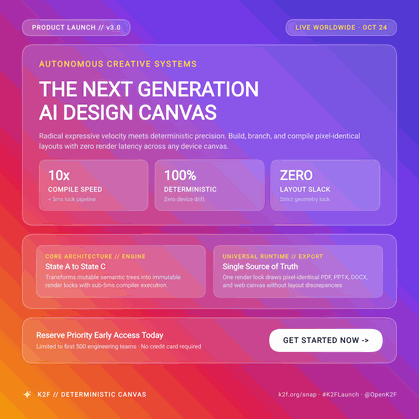
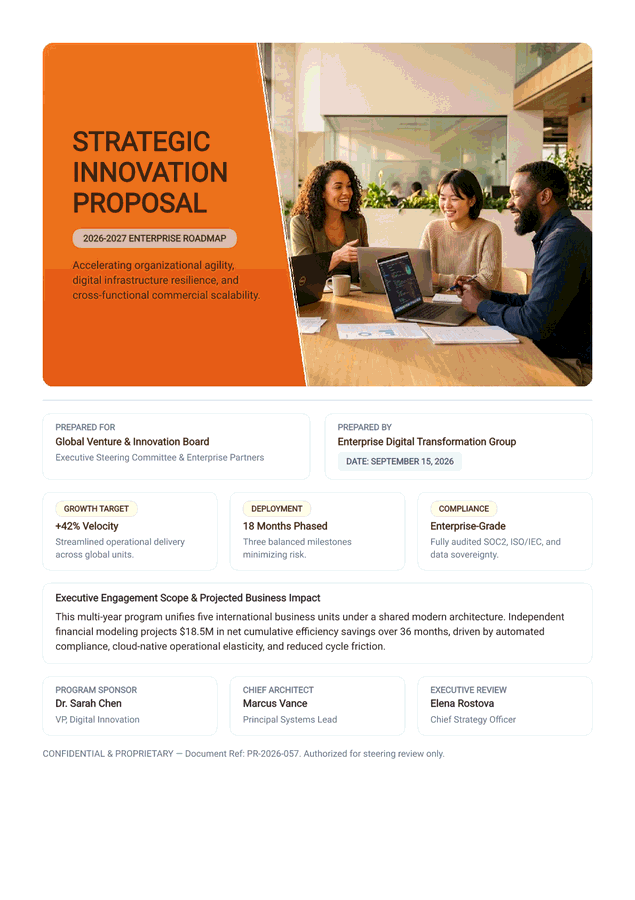
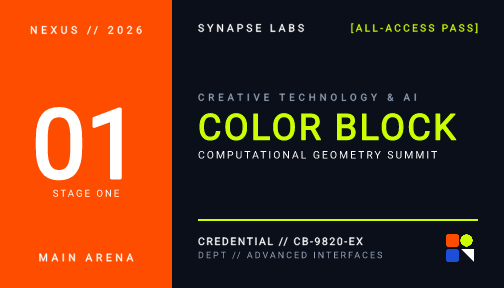
1474 production-ready documents. Every template is free and fully editable — K2F, Word, PowerPoint, and IDML.
No account. No watermarks. No limits.

GET STARTED
Get started
Copy and paste into your AI agent:
Works with Cursor, Claude Code, Codex, Workbuddy, Manus, OpenClaw and any agent with npx skills support.
DESIGN PHILOSOPHY
Minimal Structure, Semantic-First Design
At its core, just two parts: content and theme. The engine handles all layout automatically for consistent output everywhere.
The content describes what the document means.
The theme describes how it looks.
The engine determines how it is laid out.
File structure
TOOLING
Mature Tooling Ecosystem
Ready to use, right out of the box.
Live Playground
Edit and preview K2F documents right in your browser.
Open Playground →Desktop Reader
Native desktop client to open, view, and verify K2F files offline.
Download Reader →Python, JavaScript/TypeScript, and Rust SDKs
Web Embedder
Full Documentation
Deep dive into format specs, SDK integration, and best practices.
Read Docs →